
Product overview
One focused notebook, with the workflows you actually use.
NoteLace is a local-first Markdown notes app for connected thinking. Your notes live on your device and work offline, and everything below is built in: no plugins to install, configure, or keep up to date.
Start free trial →
14 days free, no card. macOS, Windows and Linux.
Write in real Markdown
Every note is plain Markdown, rendered live as you type.
- ¶A CodeMirror editor beside a live preview, no mode-switching.
- ∑KaTeX math, Mermaid diagrams, highlighted code, and GFM tables render inline.
- ≡Optional YAML frontmatter on any note.
- ↓Export your whole vault to plain .md files anytime.
Connect ideas as you write
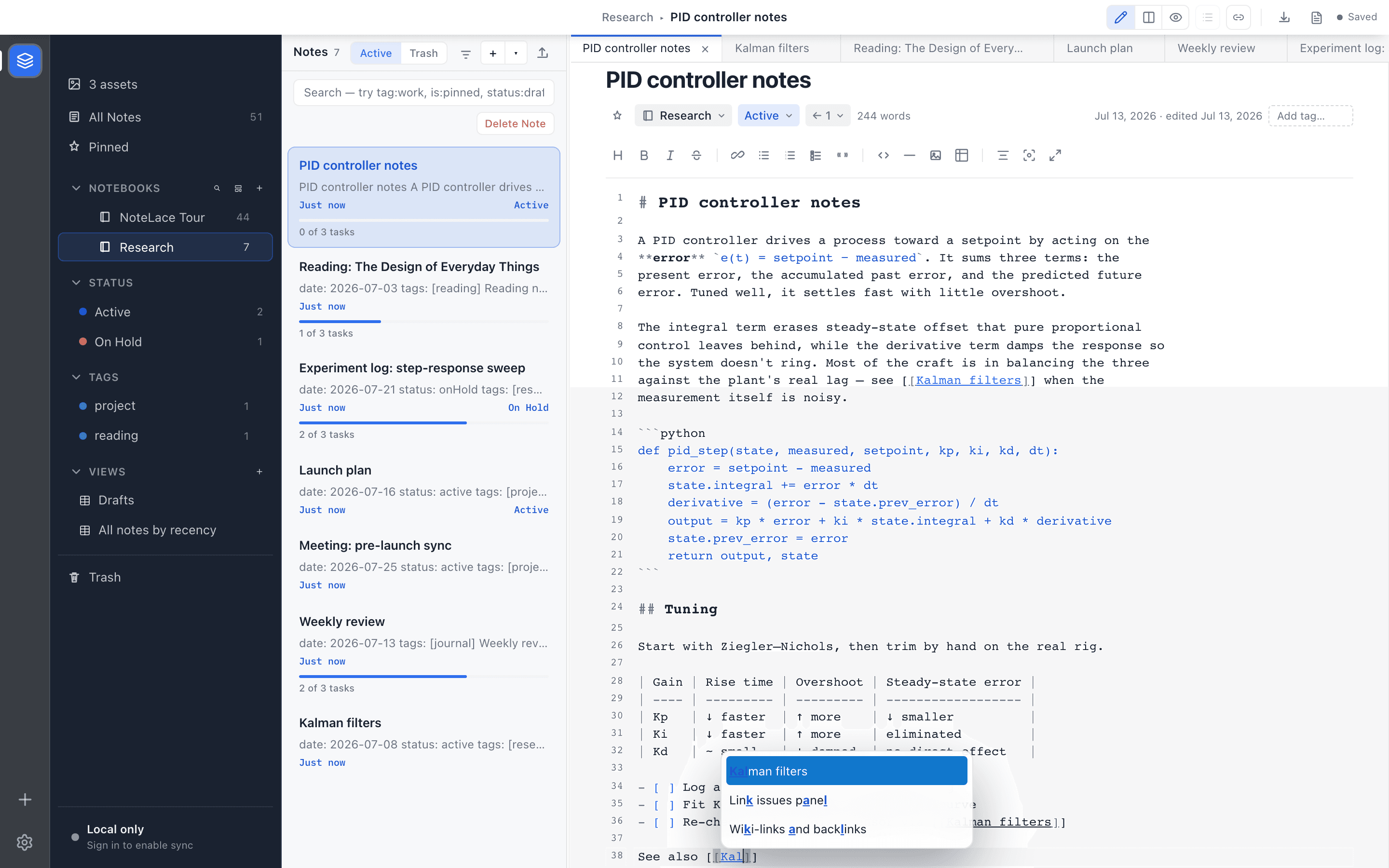
Type [[ to link any note. Backlinks show up from the other side on their own.
- [[Wiki-link autocomplete on note titles as you type.
- ←A backlinks list that fills in automatically.
- ![Whole-note transclusion with ![[note title]].
- #Hierarchical tags and notebooks keep the rest organised.
The same notes, seen every way
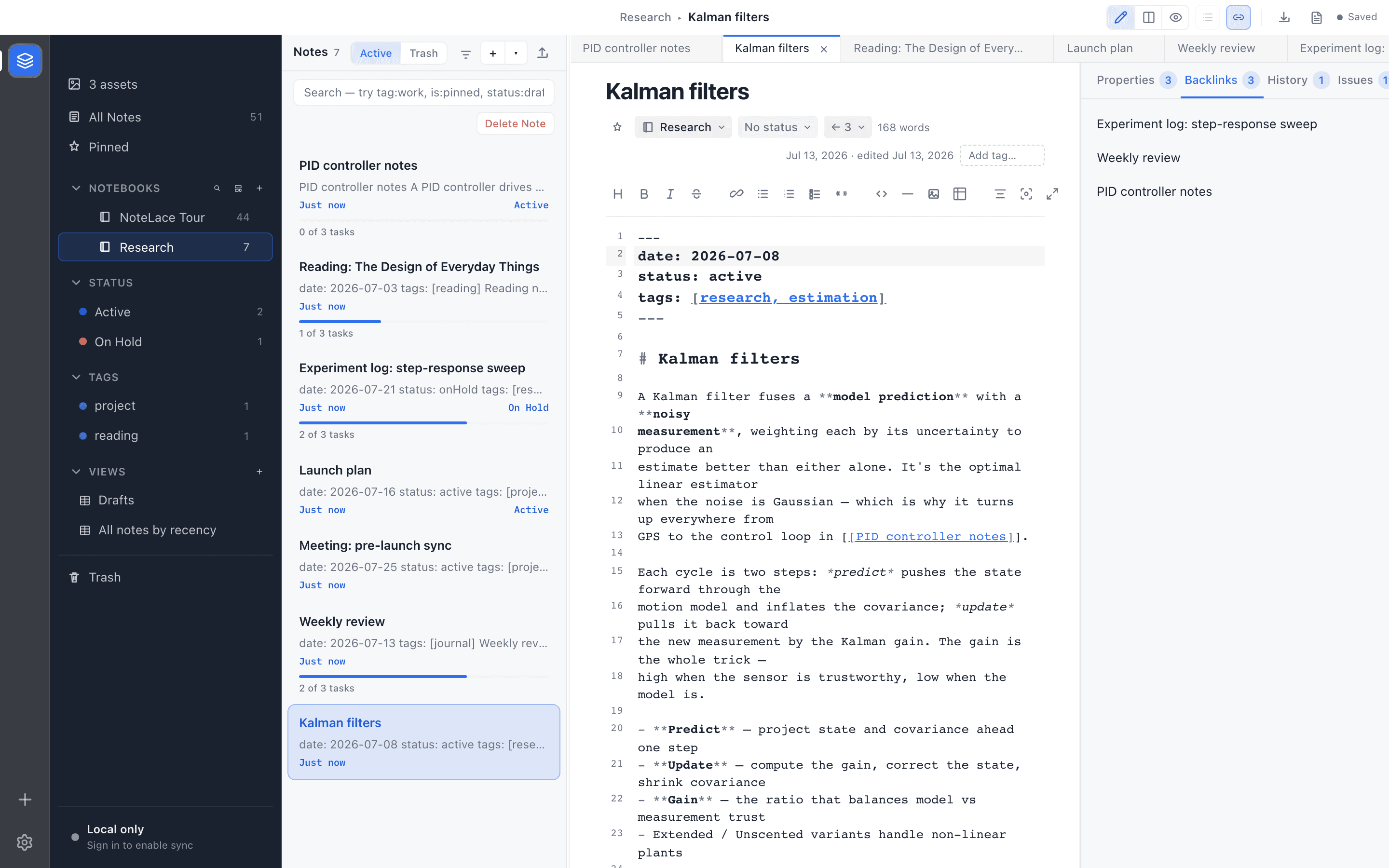
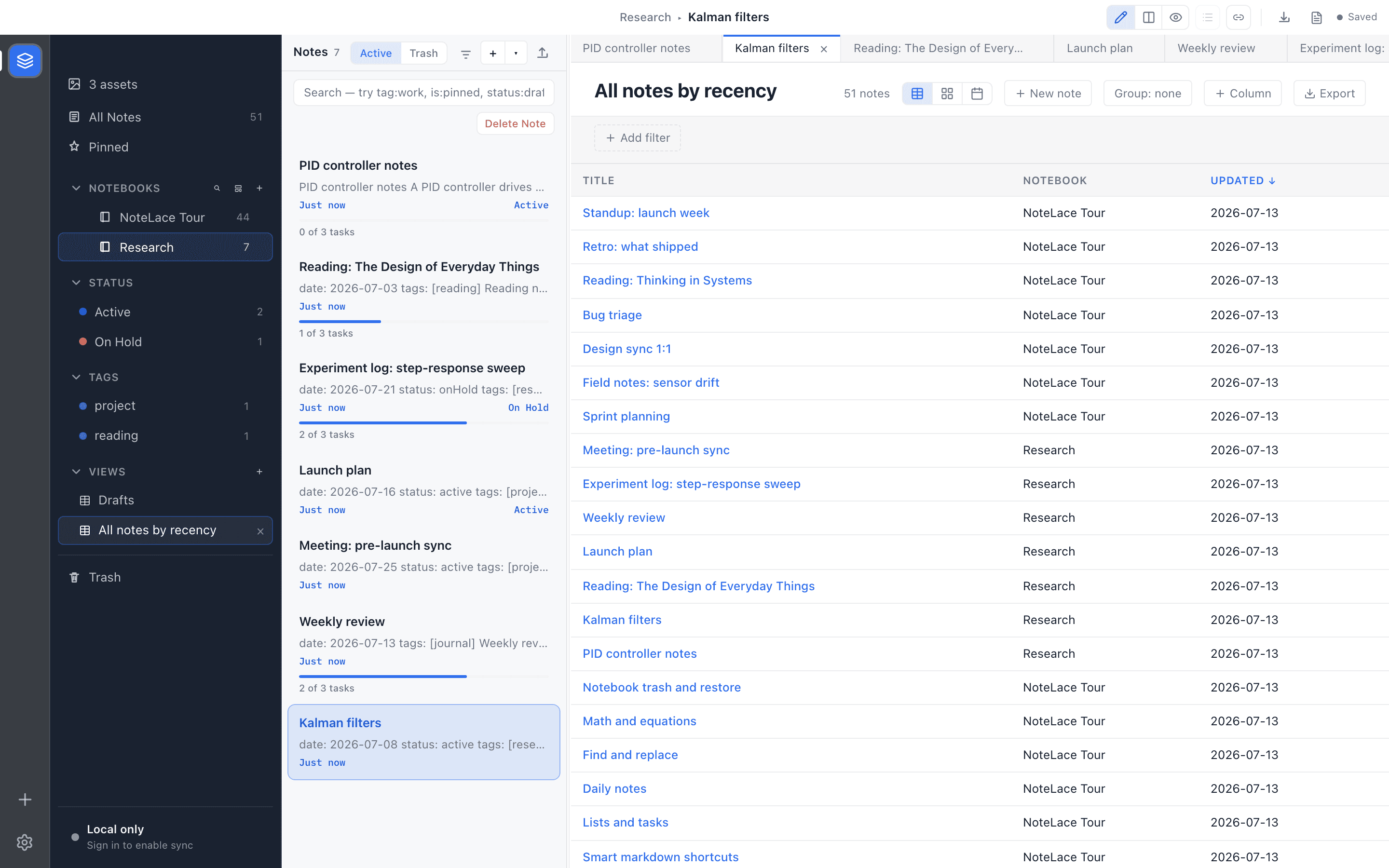
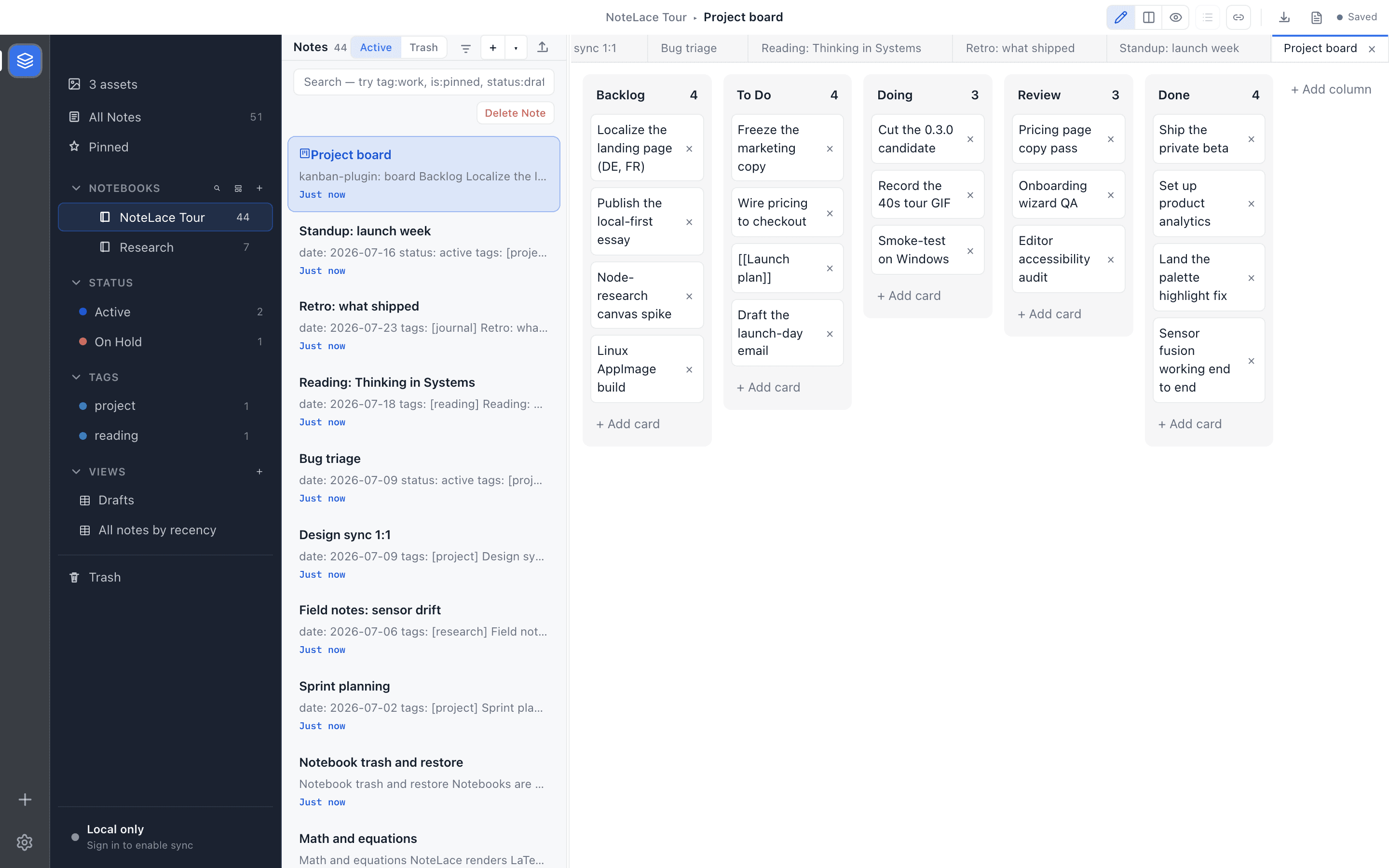
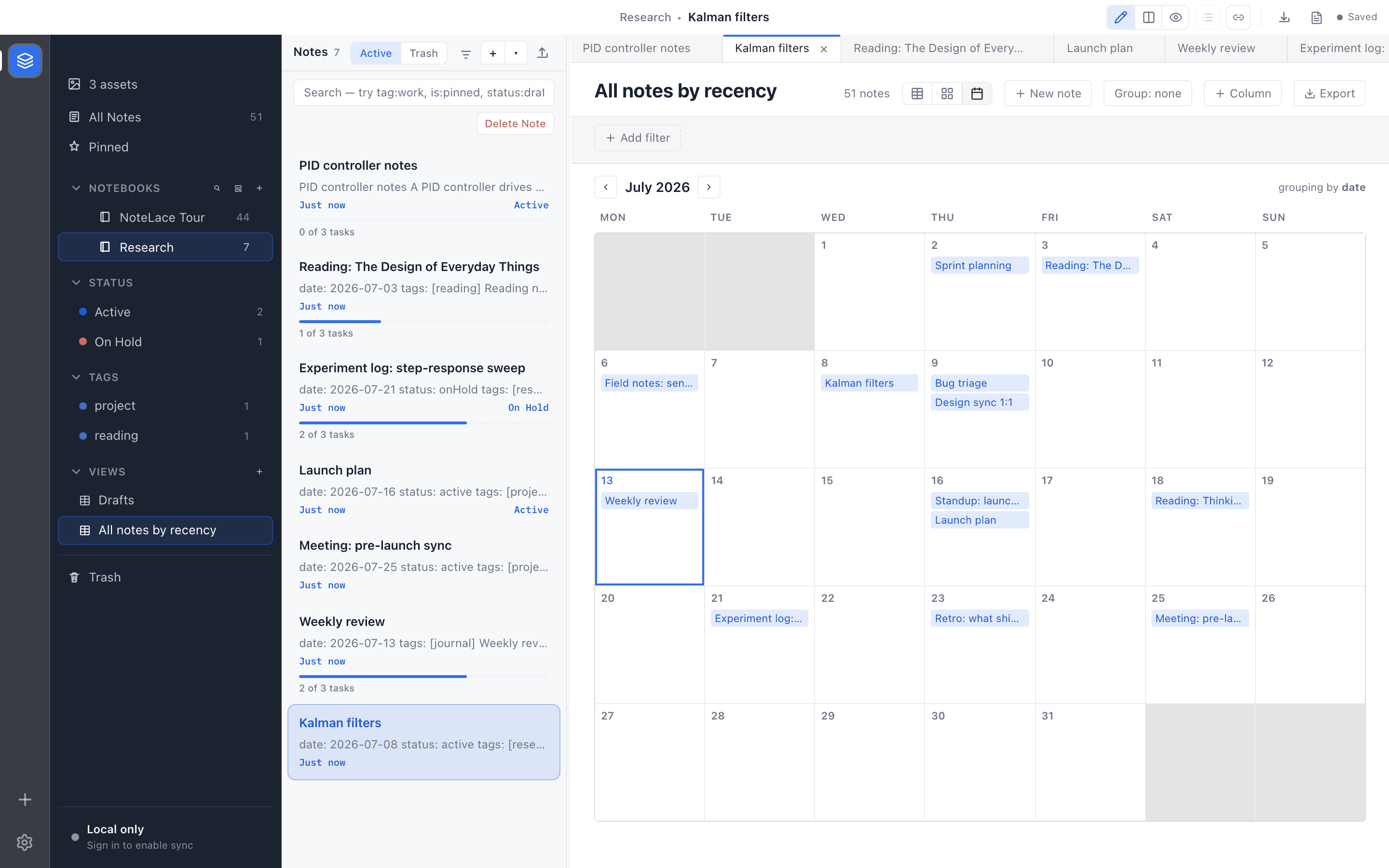
Save a filter over your notes as a view, then read it as a table, a board, or a calendar.
Properties from your YAML frontmatter become typed, first-class metadata the views sort and group by.
Everything else in the workflow
The daily-driver features are built in, not bolted on as plugins.
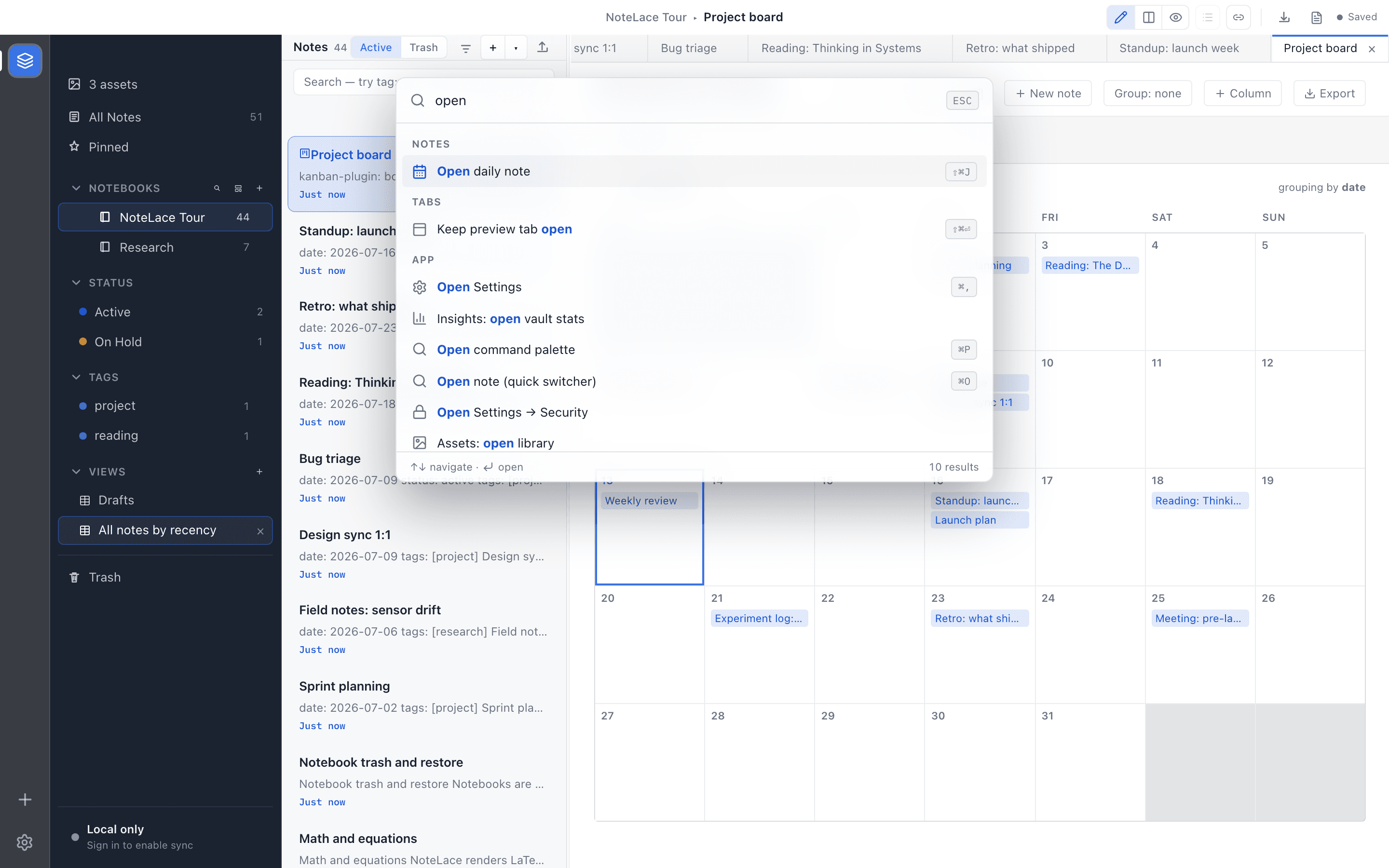
- ⌘A command palette, quick-capture window, daily notes, and templates.
- ⧉Workspaces: separate contexts for work, personal, and research.
- ↺Version history: local snapshots with diff and restore.
- ⌕Full-text instant search, including OCR text read from images.
- ⊕A web clipper that saves pages to your vault as Markdown.
- ↗Publish a single note to a public, read-only web link.
Private AI, and sync, on your terms
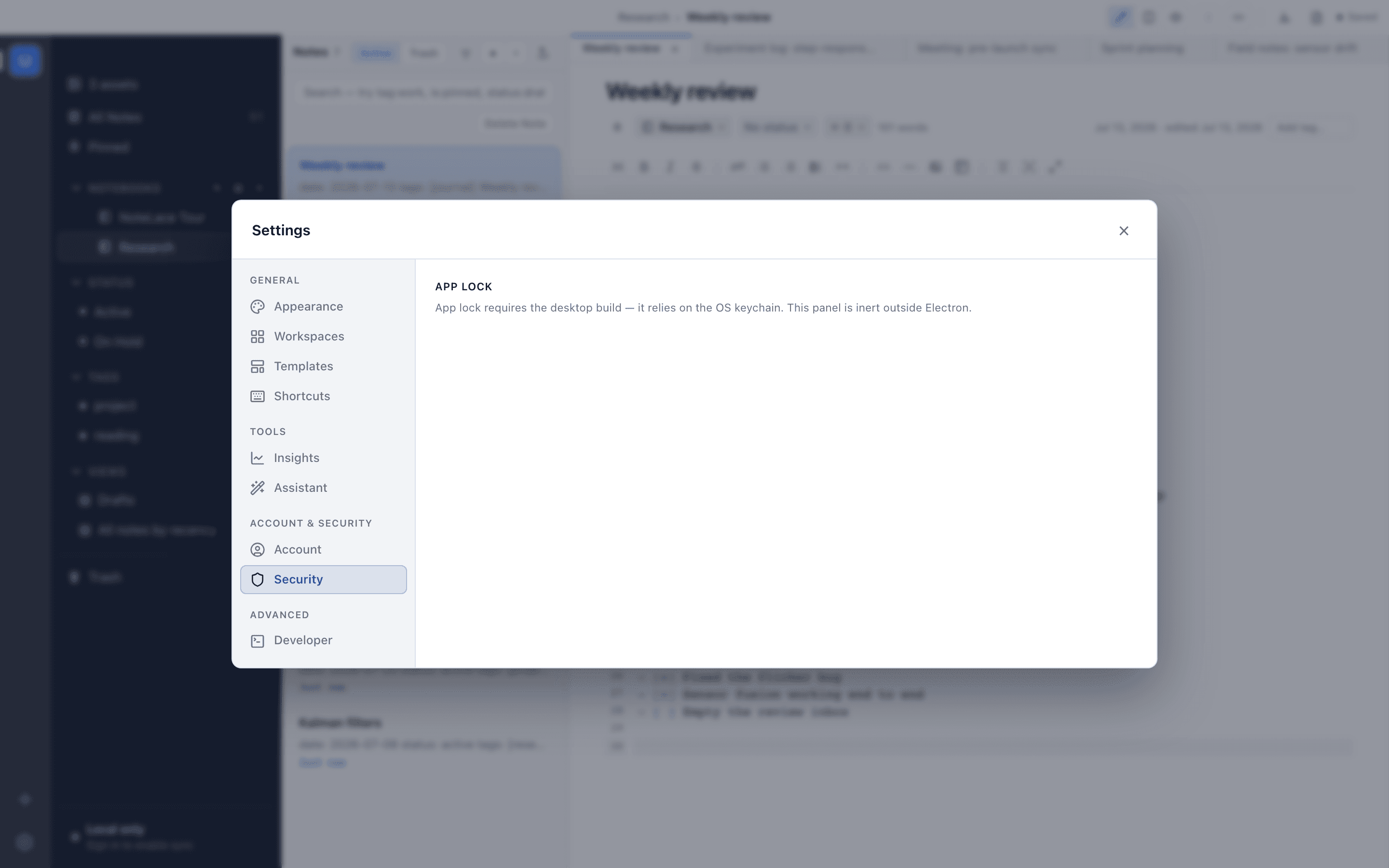
The AI helps on the text you pick, and never sees the rest of your notes.
- ✦Improve, summarise, or continue a selection with your own API key or a local Ollama model.
- ∎NoteLace never sees your notes; the AI talks only to the provider you choose.
- ⇄Optional cloud sync, encrypted in transit.
- ⊘Opt in to an end-to-end-encrypted vault the server can’t read at all.
Questions
The things people ask before they start.
- Do I need an account to use NoteLace?
- You need an account to download and to use cloud sync or the trial. The app itself is local-first: once installed, reading and writing your notes works offline with no network connection.
- Is there a free tier?
- No permanent free tier. NoteLace is €5/month or €48/year with a 14-day free trial that doesn’t require a card. After the trial, editing pauses until you subscribe, but you can always keep reading your notes and export your entire vault to Markdown.
- Which platforms are supported?
- macOS (Apple Silicon and Intel), Windows, and Linux (AppImage), with auto-updates. A mobile companion is in development.
- Are my notes locked into NoteLace?
- No. Notes are standard Markdown and you can export your whole vault to plain .md files whenever you like.
One plan
Own your notes without giving up powerful workflows.
14-day free trial, no card. €5 a month or €48 a year after that, everything included.